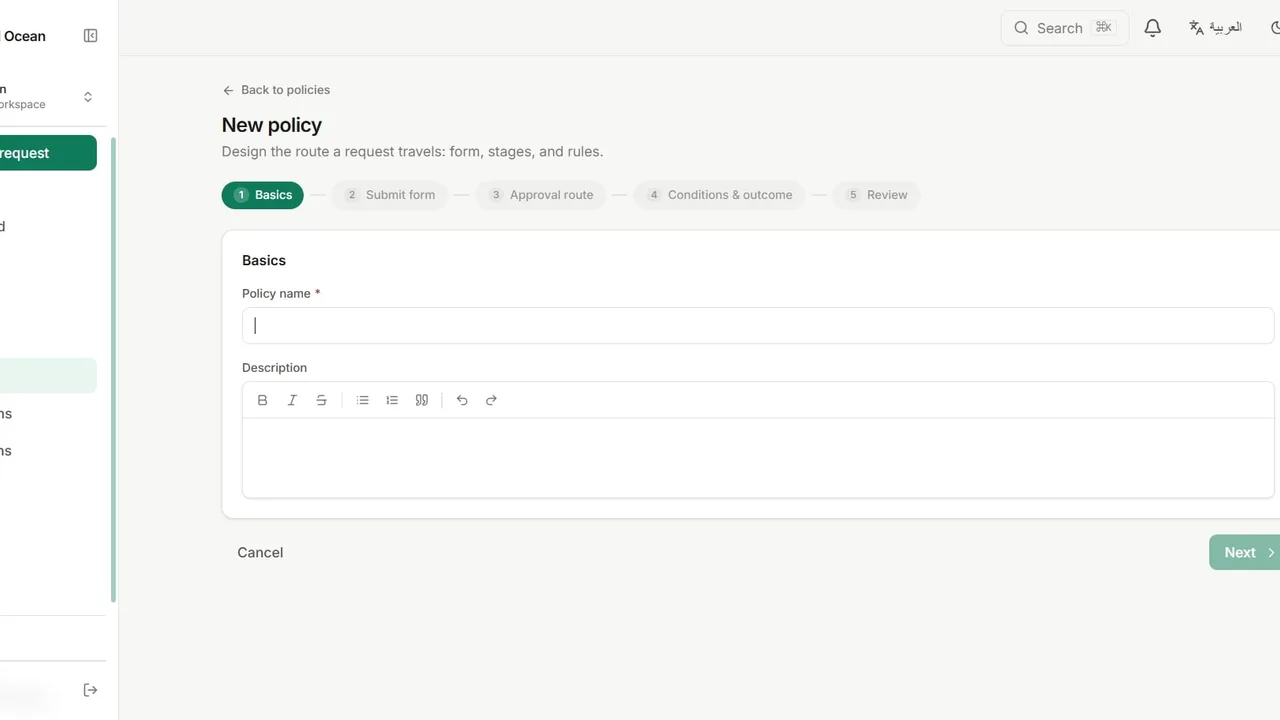
 Watch it in the app Creating an approval policy Build a complete approval workflow: a request form, a multi-stage route with SLAs, and conditional rules that skip, add or auto-approve stages.
 Go deeper
Solutions · Contracts
Legal reviews the contract, then finance reviews the value and term. The order is part of the policy, so finance never signs off on a draft that legal has not seen.
Finance agrees to terms that legal later rejects, and the deal goes back to the start.
An external adviser has to approve, but they have no account, so the approval happens by email.
The contract under review is in one thread, the comments in another.
A new workspace offers ready-made templates on its Policies page. Contract Review is one of them, and this is what it sets up, ready to edit. You can also build the same policy from scratch.
The request form
The route
Add an outside adviser by email. They open a secure link, confirm a one-time code and decide, with no account.
Add a stage that runs only when the contract value is above your limit.
Attach the draft to the request, so every reviewer reads the same file.
Legal can approve subject to a change, and the condition is recorded with the decision.
Watch it in the app Creating an approval policy Build a complete approval workflow: a request form, a multi-stage route with SLAs, and conditional rules that skip, add or auto-approve stages. Go deeper
No. They receive a secure link by email and confirm a one-time code to open the request and decide.
Yes, if you want that. Put them on parallel branches instead of in order.
No. Each request keeps the route it started with, so editing the policy only affects new requests.
Yes. The audit trail records every submission, decision and file, with the person and the time.
The Free plan includes three active workflows, five people and 50 requests every three months.