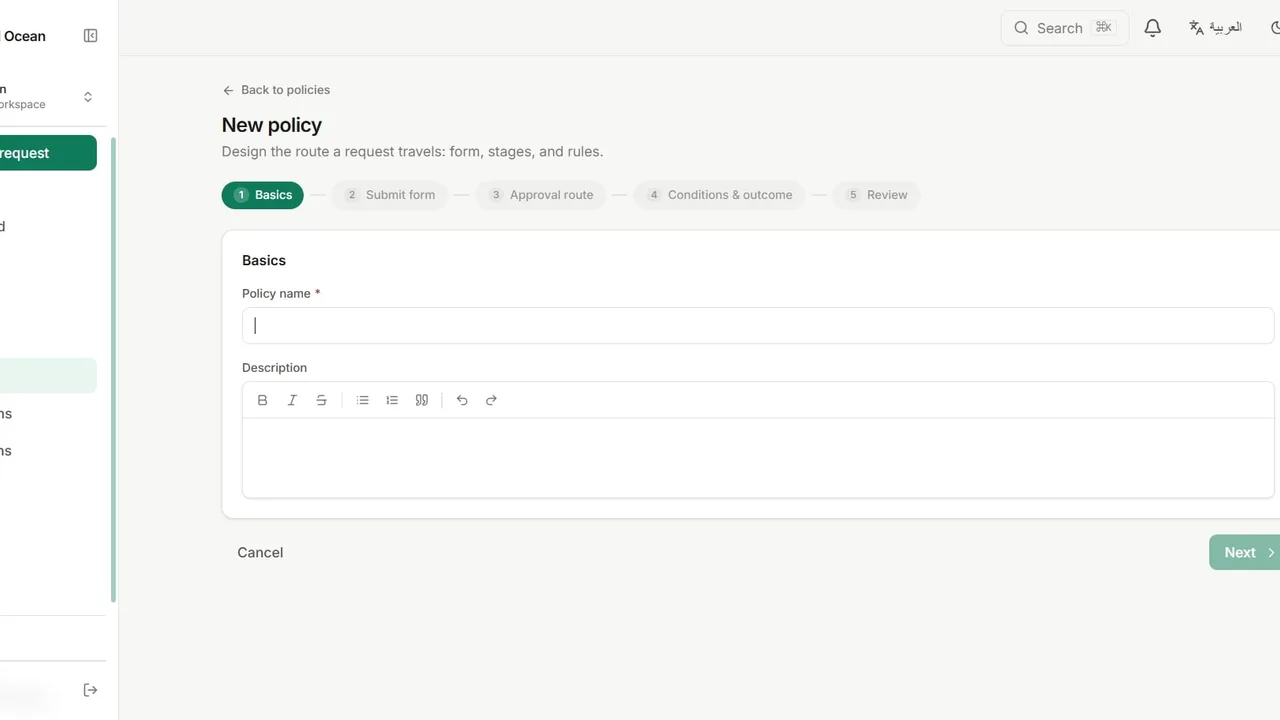
 Watch it in the app Creating an approval policy Build a complete approval workflow: a request form, a multi-stage route with SLAs, and conditional rules that skip, add or auto-approve stages.
 Go deeper
Solutions · Purchasing
Every purchase request goes to a manager first. Above your threshold, a finance director joins the route automatically. Nobody has to remember the rule, and nobody can skip it.
A quote sits in someone’s inbox for a week, and nobody can tell who has it.
“Anything over 5,000 needs finance” only works while the person who knows it is in the office.
Who approved this order, when, and on what basis? Rebuilding it from threads takes days.
A new workspace offers ready-made templates on its Policies page. Purchase Request is one of them, and this is what it sets up, ready to edit. You can also build the same policy from scratch.
The request form
The route
Rule: amount greater than 5,000 adds the finance director stage.
Route stage one to the manager role inside the requester’s department, so each team approves its own spend.
Give each stage an SLA in hours. When it passes, pending approvals escalate to the role you choose.
Add a rule that approves requests under a set amount straight away, with the decision still on record.
Approvers open the supplier quote from the request itself, and the audit trail keeps every file event.
Watch it in the app Creating an approval policy Build a complete approval workflow: a request form, a multi-stage route with SLAs, and conditional rules that skip, add or auto-approve stages. Go deeper
Yes. The template ships with 5,000; change the number, or add more rules for higher bands, in the policy builder.
Yes. A stage can need any one approver, all of them, or each of them in order.
They can delegate their approvals to a colleague for a date range, for all policies or just one. You can also set an SLA so overdue work escalates.
Yes. Every request can be exported as a PDF, and the full history stays in the audit trail.
The Free plan includes three active workflows, five people and 50 requests every three months.