Guidance and support
Ask for help without leaving your workspace: raise a support ticket and track it to resolution.
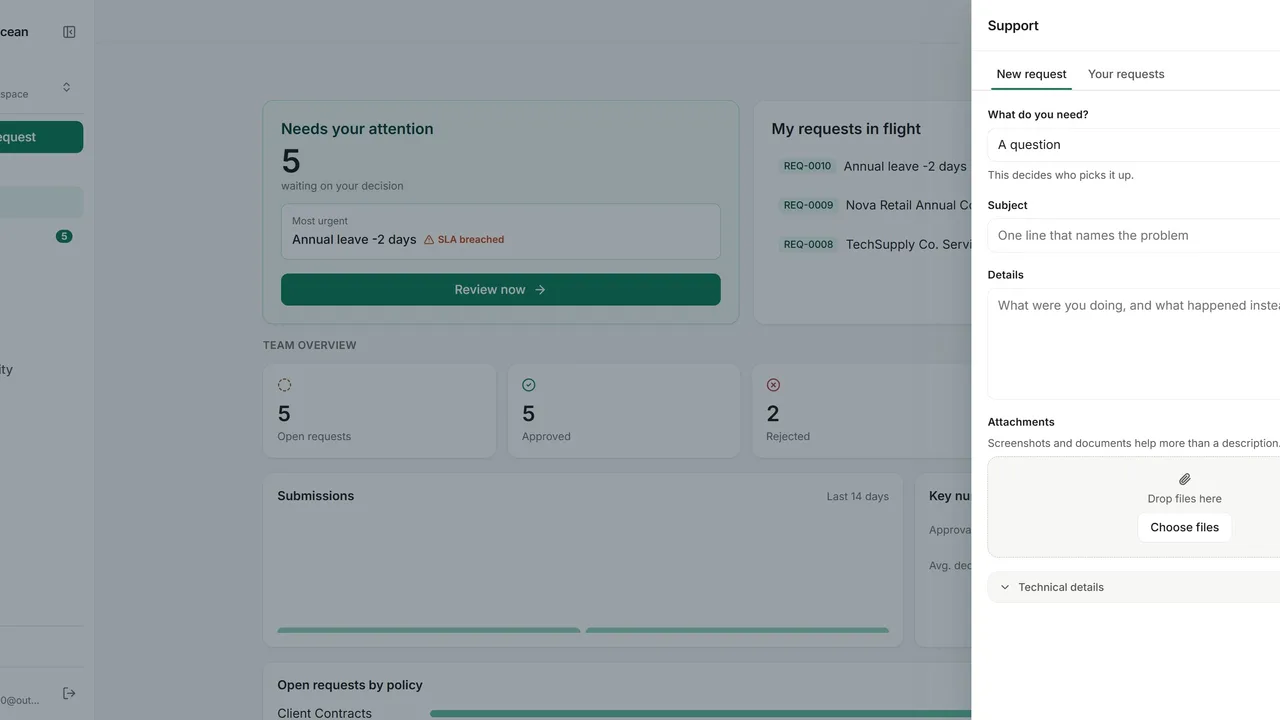
Open the Support panel inside your workspace.
Start a new support ticket and choose the category that matches your issue.
Give a clear subject and the details support needs, then click Send request.
Follow all your tickets and their status under Your requests.