Setup and administration
Configure your workspace in minutes: invite your team, assign roles, create custom permissions and set up departments.
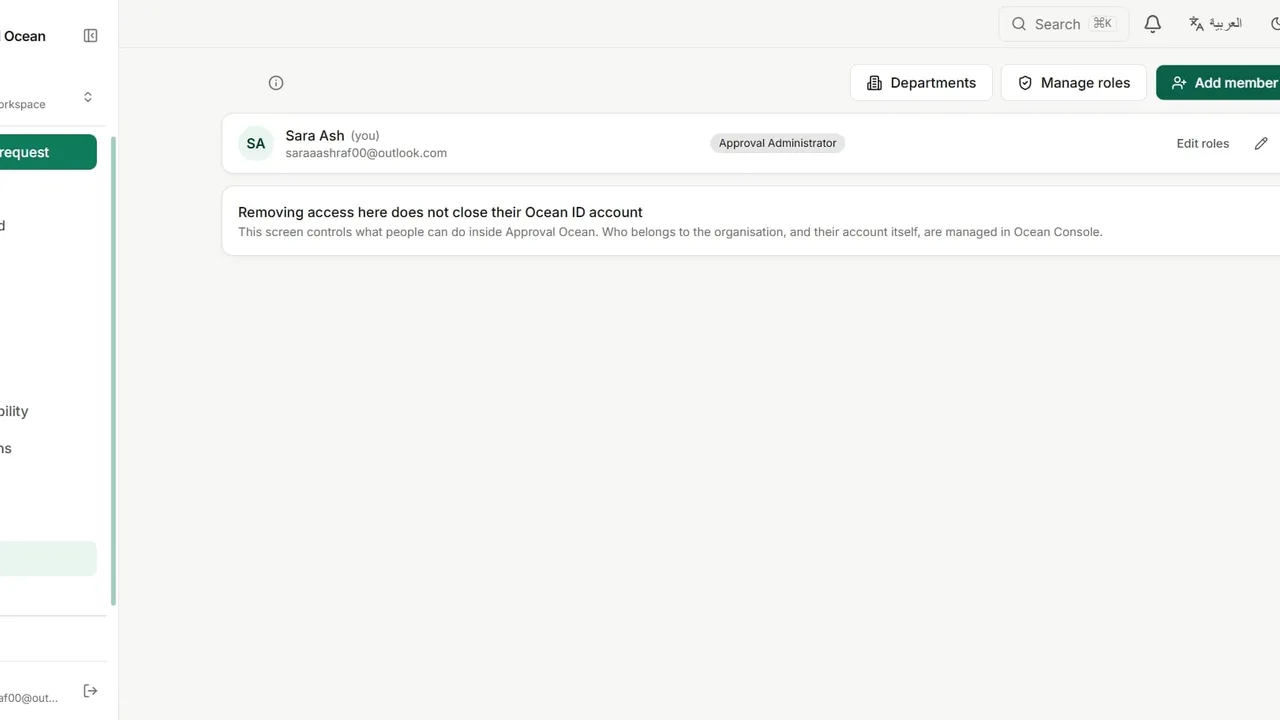
Open Team to manage your organization’s members.
Click Add member, enter a name and email address, choose a role and send the invitation.
Change anyone’s access later with Edit roles.
Open Manage roles and click New role to create a role with its own name and slug.
In the permission editor, switch on exactly what the role may do, such as exporting data or overriding requests.
Open Departments, create the teams your workflows route through, and assign members to each one.