Setup and administration
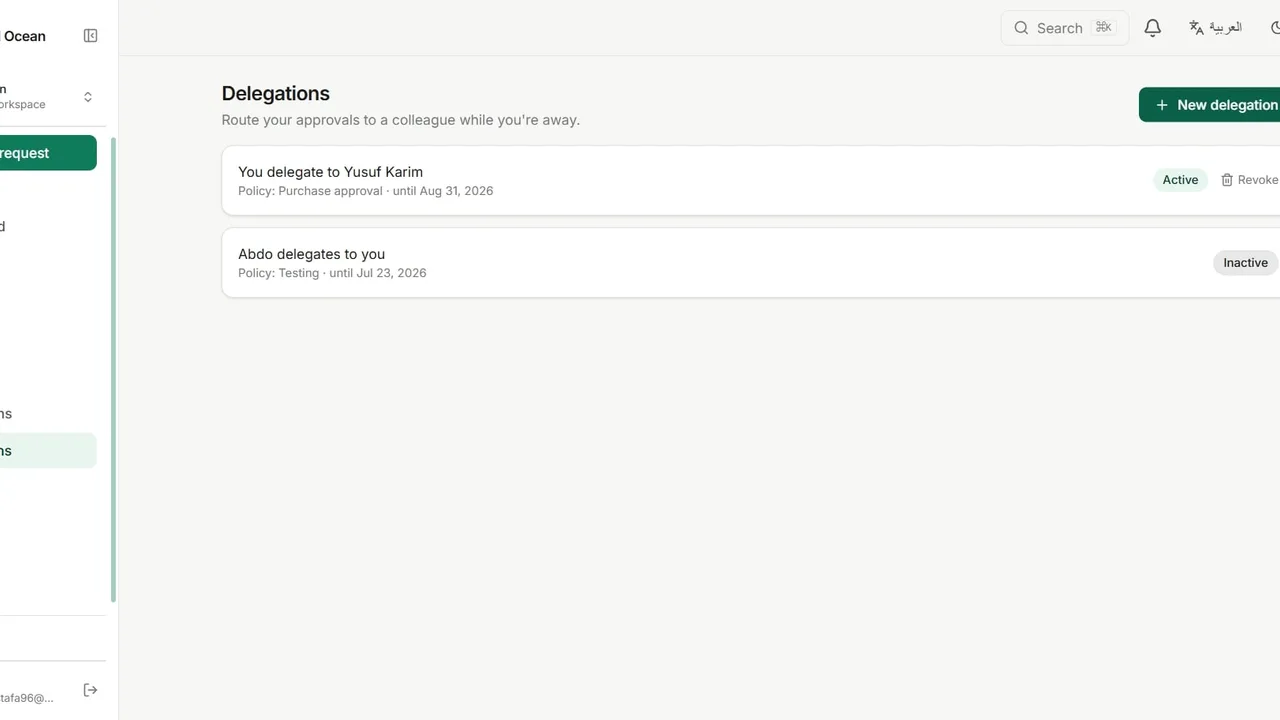
Hand your approvals to a colleague while you are away: for every policy or just one, with an optional end date, and revoke it at any time.
Open Delegations from the sidebar and click New delegation.
Under Delegate to, choose the colleague who will approve on your behalf.
Set the scope: all your approvals, or a single policy chosen from the list.
Optionally pick an end date, so the delegation ends on its own.
Click Create. Revoke any active delegation immediately with Revoke.